
I’ve found that creating your productive home office takes five intentional steps. First, I measure my room and sketch a floor plan to test furniture placement. Then I invest in an ergonomic chair and desk aligned with my elbows. Next, I layer natural light with a desk lamp and dimmers for focus. I connect my tech wirelessly with monitors at eye level and a centralized charging dock. Finally, I hide cables using under-desk pedestals and labeled Velcro ties. Each step builds on the last, and you’ll find additional benefits as you implement these practices together.
Step 1: Plan Your Space Before You Buy Anything
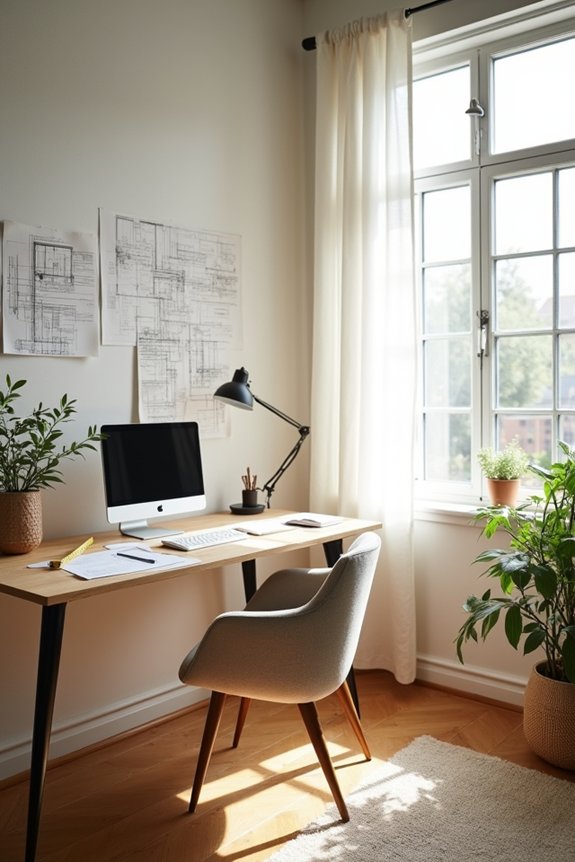
Why do so many home offices end up feeling cramped or cluttered? I’ve learned the answer: people skip the planning stage. Before you buy anything, sketch your room’s exact dimensions and photograph it from multiple angles. I measure doorways, windows, and wall outlets because these details matter. Next, I create a to-scale floor plan to test furniture arrangements. This simple step prevents costly mistakes.
I identify my must-haves first—a desk with drawers, filing cabinets, shelves—then consider wants like color scheme. Establishing functional zones for work, storage, and display helps me allocate space wisely. I also mark potential collision points and plan cable management routes.
This upfront home office planning brings order to your space. Your future self will appreciate this groundwork.
Step 2: Choose an Ergonomic Chair and Desk
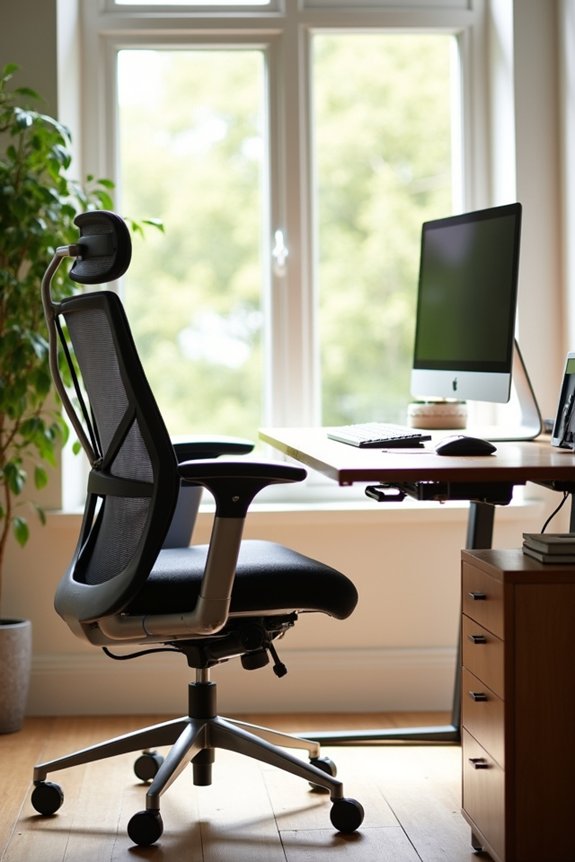
How you sit and where you work shapes everything that happens in your home office. Investing in an ergonomic chair with lumbar support makes a real difference during long workdays. Your desk height should align with your seated elbow height so your forearms parallel the floor when typing. This prevents neck and shoulder strain.
A sit-stand adjustable desk lets you switch positions throughout the day, keeping your body from getting stiff. It supports a dynamic work rhythm.
Cable management matters too. Integrated wire organization keeps your workspace clean and focused. Choose a spacious desk surface that fits your computer, monitors, keyboard, and writing materials comfortably. When everything has its place, you’ll work more efficiently and feel well-supported in your space.
Step 3: Layer Your Lighting for Focus and Comfort

Once you’ve got your chair and desk dialed in, you’ll notice something important: the right lighting affects how you work and feel throughout the day.
Natural light is your foundation. I position my desk near a window with sheer curtains to control glare while keeping daylight access strong. Then I add ambient lighting with dimmers for flexibility, plus task lighting from a desk lamp to reduce eye strain during focused work.
| Lighting Type | Purpose | Best Practice |
|---|---|---|
| Natural light | Foundation | Place desk by window |
| Ambient lighting | Overall brightness | Use dimmers for control |
| Task lighting | Focused work | Add adjustable desk lamp |
Energy-efficient lighting options support both your comfort and sustainability goals. This combination keeps you productive without fatigue.
Step 4: Connect Your Tech Without the Headaches
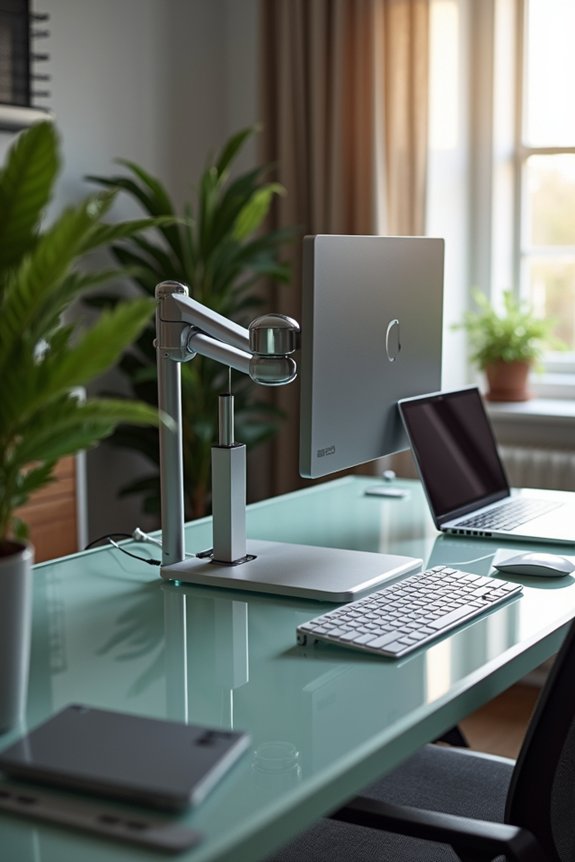
Getting your technology to work together smoothly improves how productive your home office becomes. Going wireless reduces clutter significantly—it’s one less thing causing frustration. Set up a centralized charging dock with surge protection for all your peripherals so everything’s accessible. Position 1–2 large external monitors at eye level; this protects your neck during those long work sessions. Your camera, microphone, and speakers need to work in harmony for clear communication, so I recommend a desktop mic with noise cancellation. Finally, establish a solid data backup strategy using both cloud storage and external drives. Keep your software and security updates current regularly. These steps create a home office setup that supports your workflow without causing daily frustration.
Step 5: Build Hidden Storage for Cables and Files
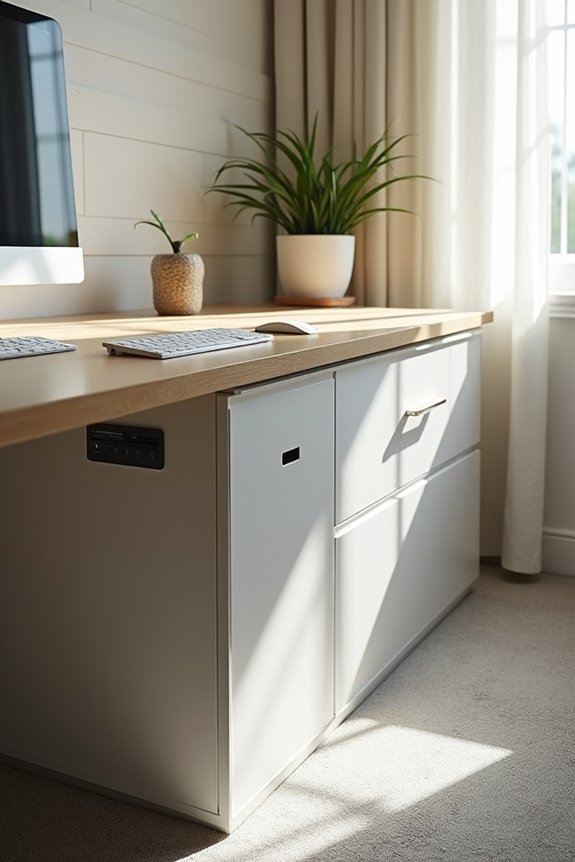
Now that your tech’s working smoothly, it’s time to tackle what’s lurking beneath your desk—all those cables and files that pile up fast. Under-desk pedestals and mobile drawers work well for cable management, keeping your organized workspace clean and functional. Installing runners and raceways along walls routes power strips out of sight, while wall-mounted cabinets hide routers and modems without blocking airflow. Choose desks with built-in grommets for easy cable concealment. Color-coded wraps or Velcro ties help you segregate data and power lines, making future updates simple. Label everything clearly. This hidden storage approach keeps clutter at bay and creates a home office where you can focus and work with confidence.