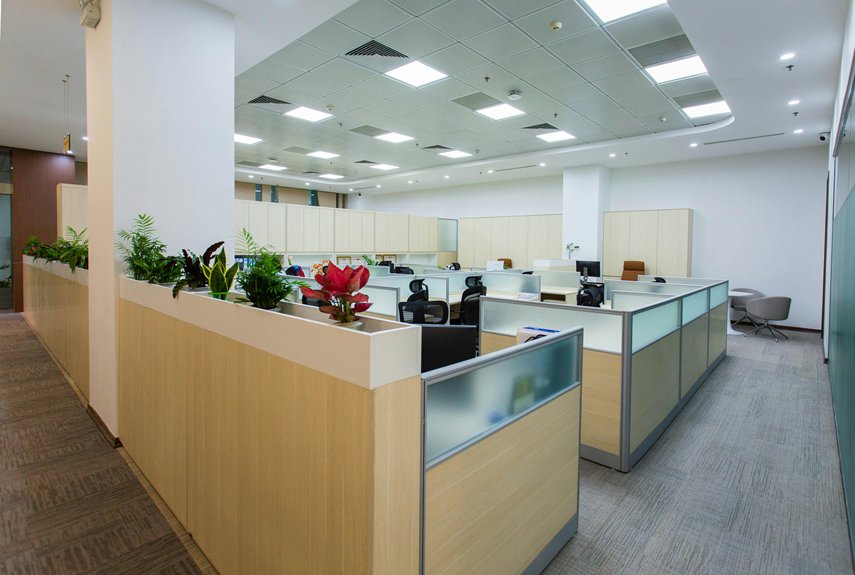
To maximize productivity, I’ve found you need to measure your room first, then position your desk perpendicular to windows to reduce glare while keeping the door visible.
Organize supplies in three zones: daily essentials within arm’s reach, weekly items two to three feet away, and rarely used things in distant storage.
Add task lighting at 300–500 lux, keep walkways at least 36 inches clear, and adjust your layout every few months as your work patterns shift.
There’s a strategic approach to every detail that affects how you work.
Measure Your Space and Map Permanent Features
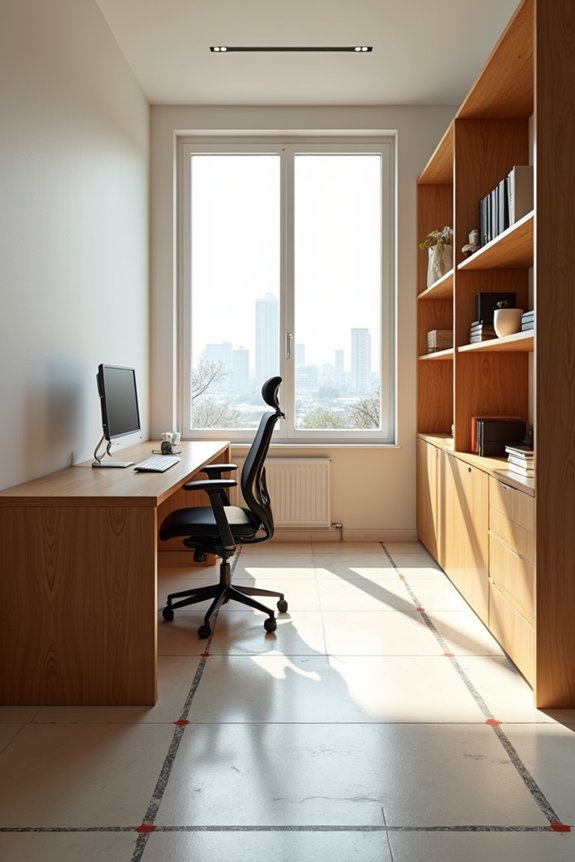
Where do you actually start when you’re ready to redesign your office layout? I grab my tape measure first. I measure my room’s length and width carefully, then I jot everything down. Next, I map out permanent features like columns, vents, and electrical outlets on graph paper. These fixed elements shape my entire furniture placement strategy.
I’ve learned that marking windows and their swing space matters too. When I sketched my last layout, I forgot about door clearance and regretted it. Now I always account for how doors open.
Creating a floor plan gives me clarity before I move anything heavy. I use graph paper or digital tools to test different arrangements. This layout planning approach saves me time, money, and frustration.
Start With Your Room’s Natural Flow and Traffic Patterns
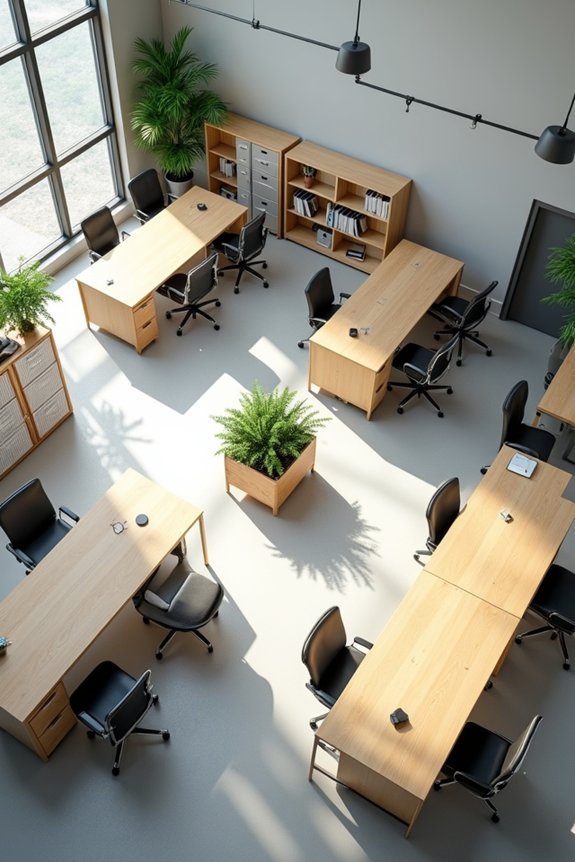
How do you know if your office layout will actually work before you arrange everything? I start by walking through my space and noticing the natural flow. I trace where I’d move from my desk to the door, to storage, and back again. This helps me map traffic patterns and identify bottlenecks.
I keep my main pathways clear—at least 36 inches wide—so I’m not squeezing past furniture. High-traffic zones near entrances or shared equipment need extra breathing room. Before I move anything heavy, I sketch a simple floor plan or use painter’s tape to outline furniture placement.
When pathways feel cramped, my workflow suffers. By respecting how I actually move through my workspace, I create a furniture layout that supports both productivity and comfort. This foundation makes everything else work better.
Position Your Desk for Both Focus and Control
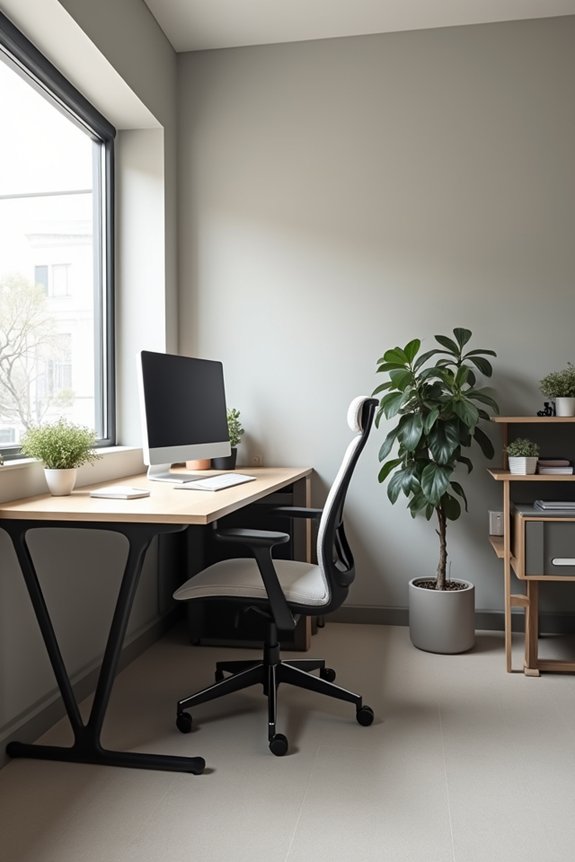
I’ve found that your desk position makes a real difference in how focused you feel, and I want to show you how to get it right. The key is placing your desk so you can see the door and your room without sitting directly across from either one, which keeps you alert but not distracted. Let’s look at how to handle light, manage glare, and set up your space so you’re in control.
Command Position Strategy Explained
The most powerful desk position isn’t always the one that feels instinctive at first—it’s the one that lets you see who’s coming while you’re focused on your work. I call this the command position, and it’s improved how I work.
Position your desk so you face the entrance without a direct line to the door. This setup gives you control and reduces distractions. If you can’t face the door directly, use a rear-view mirror or angle your desk for a secondary sightline.
Next, place your desk perpendicular to your largest window for glare reduction while keeping daylight benefits. Your desk becomes the visual hierarchy anchor. Once it’s positioned, arrange storage and seating around it in a natural way.
Keep pathways clear. Avoid neck twisting by maintaining entry visibility within comfortable peripheral range.
Managing Natural Light and Glare
Why does natural light feel so good until your screen becomes a mirror? I’ve learned that positioning your desk perpendicular to your largest window solves this problem effectively. Here’s what I do:
- Place your desk perpendicular to the main window for maximum daylight without direct glare
- Position your monitor at or slightly below eye level, about an arm’s length away
- Install adjustable blinds or curtains to control light throughout the day
- Add a desk lamp for consistent task lighting that reduces eye strain
I angle my workspace so I can see the door without sitting directly in its path. This reduces light reflections and distractions while keeping me focused. By combining natural light with supplemental task lighting, I maintain steady brightness that protects my eyes and supports productivity. This setup creates an inviting space where people feel more present and engaged.
Visibility Without Direct Alignment
How can you stay aware of what’s happening around you while keeping your attention on your work?
Positioning your desk perpendicular to the doorway gives you the best of both worlds. This desk placement lets you maintain sightlines to your entryway without that constant neck-twisting distraction. You’ll feel more grounded because you’re in command-position—able to see activity without feeling boxed in.
| Setup Strategy | Benefit | Implementation |
|---|---|---|
| Perpendicular angle | Minimal neck strain | Position desk 90° from door |
| Command-position placement | Situational awareness | 6-8 feet from entryway |
| Mirror backup option | Preserved visibility | Low mirror if wall-blocked |
| Open sightlines | Reduced anxiety | Clear furniture pathways |
| Essential tools nearby | Workflow efficiency | Arm’s reach distance |
When I can’t see the door directly, I use a small mirror or glass panel. This preserves visibility without direct alignment. You’ll notice you focus better when you’re not unconsciously wondering what’s happening behind you.
Prioritize Ergonomics to Prevent Fatigue and Strain
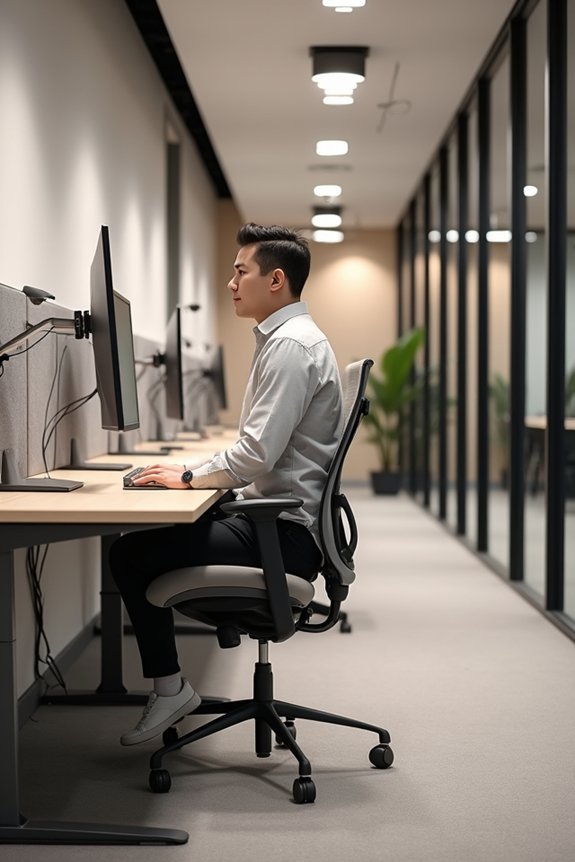
Your body’s comfort directly affects how much work you can accomplish each day, so let’s talk about setting up your workspace to support it. Thoughtful ergonomic office design makes a real difference in how I feel after work.
Here’s what I recommend:
- Choose an adjustable chair with lumbar support and two-finger clearance behind your knees
- Position your monitor at eye level, about 20 inches away, to reduce neck strain
- Set your keyboard so your elbows rest at 100–110 degrees with forearms parallel to the floor
- Use a sit-stand desk, switching every 30–60 minutes to fight fatigue
I also keep my primary zone reachability tight—frequently used items within arm’s reach. This prevents the shoulder strain that builds up when you’re constantly stretching. When you prioritize these basics, you’re investing in your comfort and productivity.
Create Distinct Zones for Different Types of Work
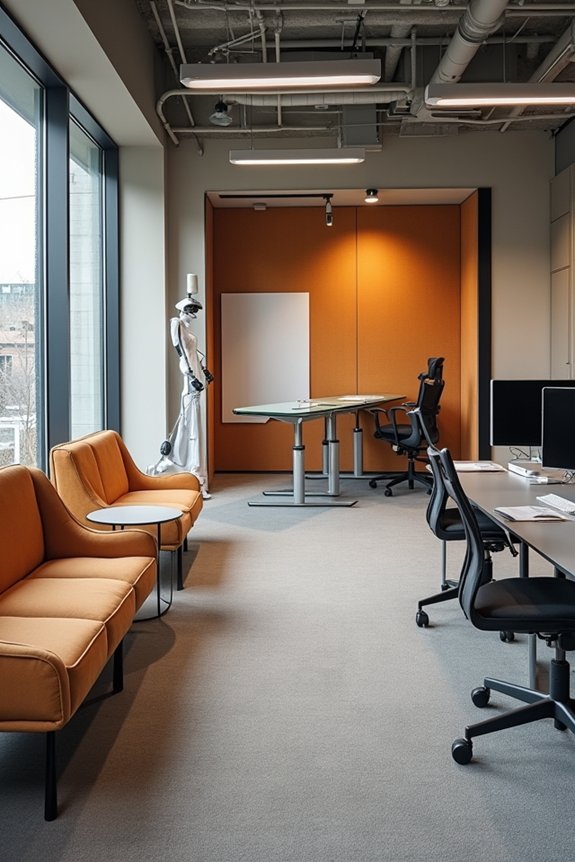
Once you’ve got your chair and desk positioned right, the next step is organizing your space into separate work zones. Creating distinct areas changes how I work. My primary workstation handles computer tasks, while a nearby table becomes my writing zone. I use a comfortable chair to mark my brainstorming lounge, and a shelving unit defines my storage area.
| Zone | Purpose | Distance | Items | Frequency |
|---|---|---|---|---|
| Zone 1 | Immediate reach | Arm’s length | Pens, keyboard | Daily |
| Zone 2 | Secondary reach | 2-3 feet | Reference books | Weekly |
| Zone 3 | Storage | 4+ feet | Archives, supplies | Monthly |
| Modular | Flexible | Reconfigurable | Collaboration tools | As needed |
| Accessibility | All zones | Strategic placement | Supplies, equipment | Constant |
Modular furniture lets me reconfigure these zones when I need focused work or collaboration, keeping productivity steady.
Use Strategic Storage to Eliminate Visual Clutter
I’ve found that organizing by frequency of use improves how I work, and here’s why: I keep my daily pens, notepads, and keyboard within arm’s reach in a shallow desk drawer, while reference materials go on a higher shelf I access maybe once a week. Vertical storage solutions like wall-mounted shelving and pegboards help me stack supplies upward instead of outward across my desk surface. When I arrange items this way—frequently used items in Zone 1 (my immediate reach), secondary supplies in Zone 2 (slightly farther), and archived materials in Zone 3 (upper shelves or cabinets)—my workspace stays visibly clear and I’m more focused.
Organizing By Frequency Of Use
Most of us instinctively reach for the same supplies every single day—pens, notepads, my phone charger—and it’s frustrating when they’re buried under other stuff. I’ve learned that organizing by frequency of use improves how I work. I implement a three-zone system that keeps my workspace efficient:
- Zone 1 holds daily essentials within arm’s reach—keyboard, mouse, and charger
- Zone 2 contains secondary items like notepads and reference materials
- Zone 3 stores rarely used supplies in distant cabinets
- Cable management systems keep cords organized beneath my ergonomic furniture
This approach reduces clutter noticeably. When I place high-use materials on open shelving or pedestal drawers, I eliminate wasted searching time. My desk surface stays clear, my workflow stays smooth, and I actually enjoy my workspace again.
Implementing Vertical Storage Solutions
While organizing by frequency of use keeps your daily workflow smooth, there’s a limit to how much you can store on your desk before it becomes overwhelming. Vertical storage solves this by utilizing wall space and height.
I’ve found that tall bookcases and wall-mounted storage units keep my ground clear while maintaining the 36-inch primary circulation clearance I need to move freely. I place my most-used tools on lower shelves within arm’s reach, then move less-urgent items higher up.
Wall-mounted pegboards work well for supplies and equipment. I run cable management behind these units using integrated grommets to hide cords completely.
Every 2–3 months, I schedule organization cycles to reassess what stays. This prevents clutter from creeping back and keeps my workspace functional and organized.
Layer Lighting: Combine Natural Light With Task and Ambient Fixtures
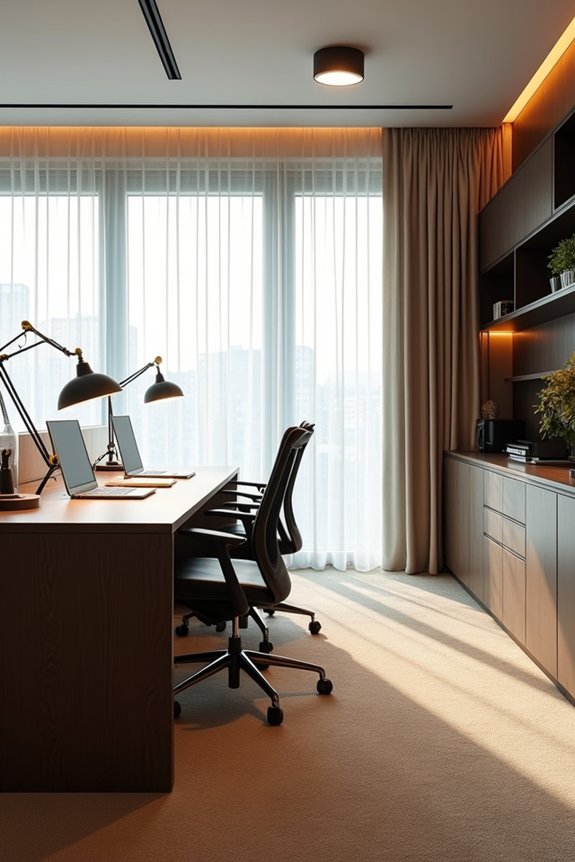
Getting your office lighting right makes a real difference in how you feel and work throughout the day. Combining natural light with purposeful fixtures creates an environment where you can focus without exhaustion.
My approach to layering lighting effectively:
- Position your desk near a window to capture natural light and boost your mood.
- Add task lighting directly at your workspace, aiming for 300–500 lux for comfortable reading.
- Install overhead ambient lighting to eliminate harsh shadows and contrast.
- Use dimmable fixtures set around 3000–4000K to support concentration.
Control glare with blinds when needed, preventing screen strain. This balanced combination—natural light, task lighting, and ambient fixtures—creates a calm, productive space where you’ll feel supported and energized.
Optimize Acoustics and Quiet Zones for Deep Work
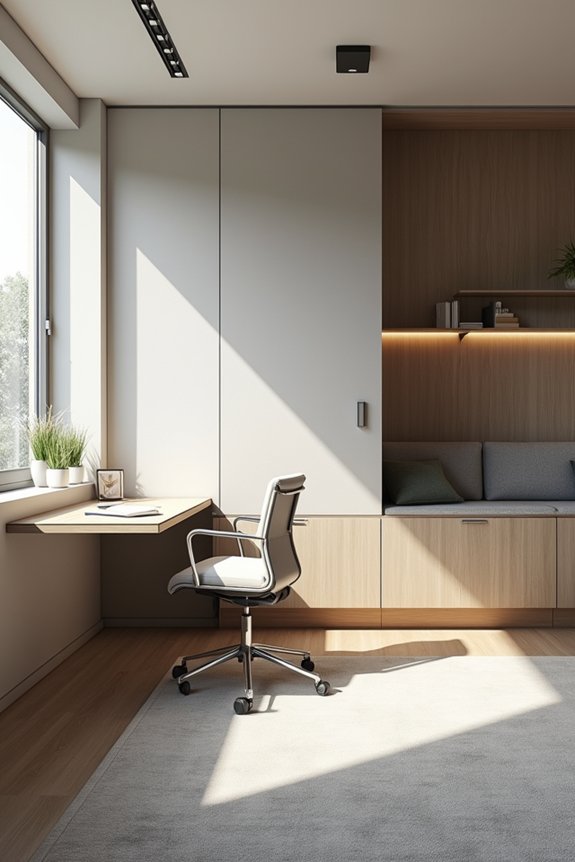
Have you noticed how hard it’s to concentrate when noise constantly pulls your attention away? I’ve found that optimizing acoustics improves how I work. I added acoustic panels to my walls and soft carpeting underfoot, which absorb those distracting mid- and high-frequency sounds that interrupt deep work. I created a quiet zone with a private booth where I tackle focused tasks without interruptions. Flexible baffles near my desk segment the space from high-traffic areas, dampening sound effectively. I positioned my seating to face away from noisy sources, boosting my sense of privacy and concentration. Adding plants around my workspace provided modest noise reduction while making everything feel more settled. These privacy-focused changes let me access the focus I need for meaningful work.
Monitor and Adjust Your Layout When Workflows Change
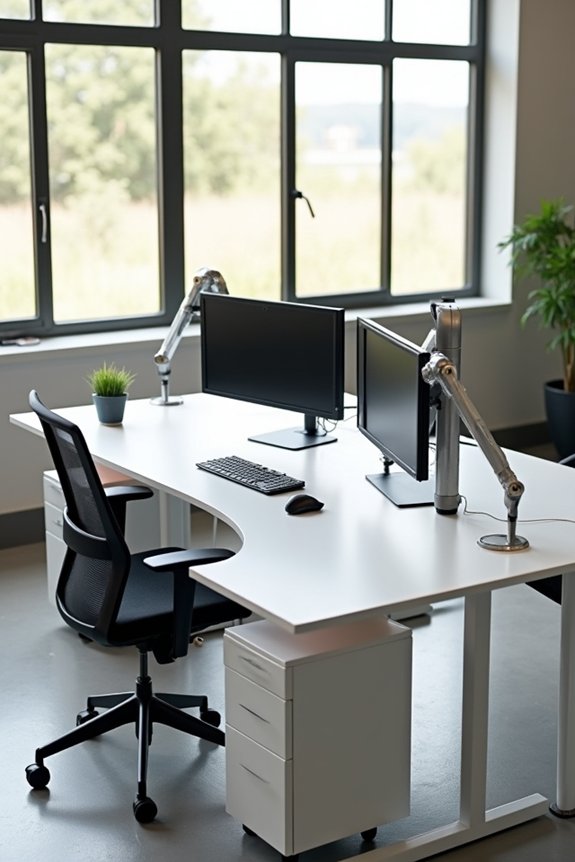
When’s the last time you checked whether your office layout still matches how your team actually works?
Monitoring workflows reveals gaps you’d otherwise miss. Here’s what I do quarterly:
- Map current tasks and identify bottlenecks where people wait or walk unnecessarily
- Relocate workstations closer to frequently used resources like printers and meeting rooms
- Measure circulation space, keeping at least 36 inches of clear walking paths
- Move rarely used items to secondary storage while keeping daily tools within arm’s reach
Layout adjustment isn’t a one-time project—it’s ongoing. When workflow changes happen, your furniture repositioning should follow. Teams function better when their space supports how they actually collaborate. This alignment between space and routine reduces friction and builds connection.