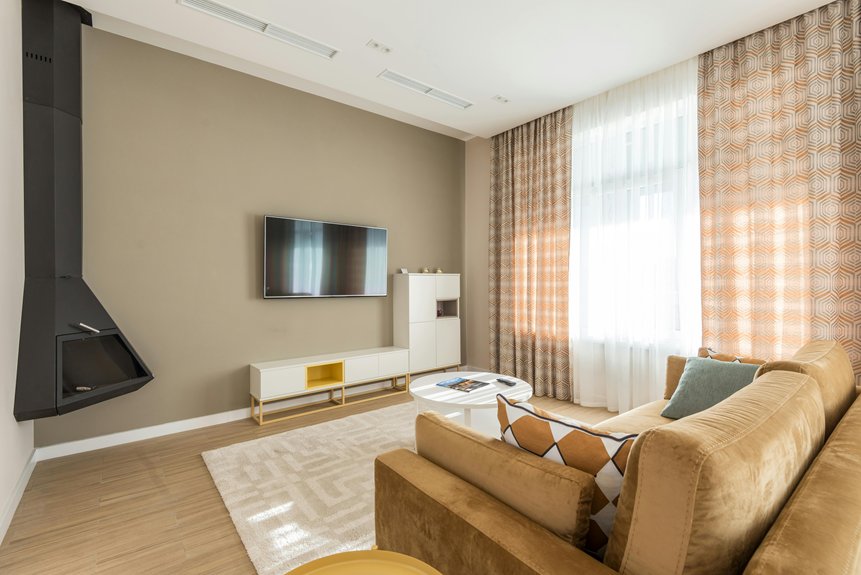
Hanging your TV above a fireplace requires checking both your fireplace and TV manuals for heat clearance specs—typically 12 to 48 inches minimum. Mount the TV’s bottom edge well above your mantel to create a heat buffer, and aim for the center at eye level when seated, around 42–48 inches from the floor. Route all cables at least six inches away from the fireplace opening.
Use a stud finder, level, and appropriate anchors for your wall type. If heat concerns or wall composition worry you, professionals handle this safely and at reasonable cost. The specifics of each step matter more than you’d think.
Safety Essentials: What Makes Above-Fireplace Mounting Risky
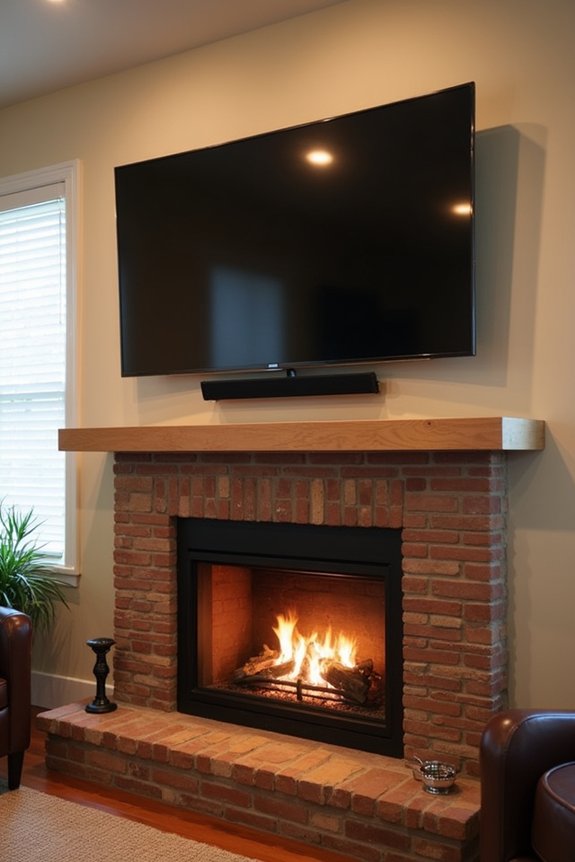
Why’s hanging a TV above your fireplace trickier than mounting it on a regular wall? The heat from your fireplace poses real risks to your TV and the wiring behind it. Unlike modern TVs that produce minimal heat themselves, the intense warmth rising from below can damage cords and sensitive components. That’s where heat management becomes necessary. The primary danger isn’t your TV—it’s the fireplace heat threatening everything connected to it. I’ve seen cords melt and connections fail when heat wasn’t properly managed during TV mounting above fireplace installations. Strategic positioning and design choices, like using mantel alcoves to redirect heat away, make a significant difference. Understanding these risks helps you protect your investment while enjoying your fireplace safely.
Verify Heat Clearances in Your Manuals First
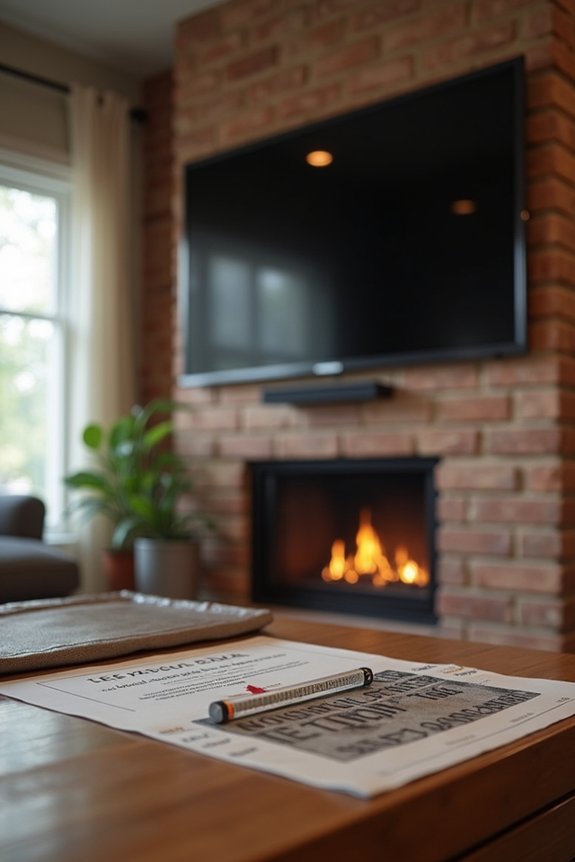
Before you mount that TV, pull out both your fireplace manual and your TV’s documentation, then write down the specific heat clearance requirements each one lists. Your fireplace manual will tell you how hot the area directly above it gets (many reach 100°F or higher), while your TV manufacturer will specify the maximum safe temperature it can handle—usually around 110°F for most models. Once you’ve got those numbers, measure the actual distance from your fireplace opening to where you’re planning to mount the TV, and compare it against both manuals’ minimum safe distance requirements to verify you’re not creating a heat problem down the line.
Fireplace Manual Specifications
Since your fireplace and TV have different heat tolerances, I’d recommend starting with the manuals—they’re your safety blueprint. Your fireplace manual lists the specific heat clearance requirements, and these measurements are non-negotiable for protection. I always locate the “clearance to combustibles” section first, which tells you exactly how far your TV must sit from the heat source. Your TV manufacturer’s guidelines matter equally; they specify maximum ambient temperatures your electronics can safely handle. When I reviewed my own manuals, I discovered my fireplace required 36 inches clearance, while my TV needed protection from temperatures exceeding 104°F. I compare both documents side by side and take the more conservative measurement. This approach means you’re not guessing—you’re following manufacturer standards designed to keep your setup safe and functional long-term.
Television Manufacturer Guidelines
Now that you’ve got your fireplace manual pinned down, your TV’s own guidelines are just as important—they’re the second half of your safety equation. I learned this the hard way when I nearly mounted my TV too close to heat without checking the specs first.
Every TV has specific heat tolerance ratings and mounting clearances listed in its manual. You’ll find critical information about maximum operating temperatures and required distances from heat sources.
| Specification | What It Means | Why It Matters |
|---|---|---|
| Heat Tolerance | Maximum temperature TV can safely handle | Prevents internal damage |
| Mounting Clearances | Required distance from heat | Protects components |
| Weight Limits | Maximum wall mount capacity | Keeps installation secure |
I always contact manufacturers directly when I’m unsure. They’ll confirm whether you need heat shields or additional protection for your specific setup. Skip this step at your own risk—it keeps your investment safe.
Minimum Safe Distance Requirements
How much space do you actually need between your fireplace and TV? Checking your TV manual’s heat clearance requirements is essential. Most manufacturers specify minimum distances, often ranging from 12 to 48 inches above the fireplace opening.
Your mantel height matters significantly here. Position the TV’s bottom edge well above your mantel, creating a protective buffer zone. This spacing lets heat dissipate safely before reaching your screen.
Verify both the fireplace and TV manuals before measuring anything. Gas and wood fireplaces demand more clearance than electric models. When installing, measure twice from the fireplace’s highest heat point to the TV’s lowest edge.
This careful approach protects your investment and maintains reliable performance over time.
Find the Right Height for Above-Fireplace Viewing
I’ve found that getting your TV’s height right affects how comfortable you’ll feel watching, and it’s worth taking time to measure before you drill any holes. The ideal placement is typically centering your screen at eye level—around 42 to 48 inches from the floor—but this can vary depending on where you sit and how high your mantel sits. I’ll show you how to account for your specific seating distance and mantel height so you can find the right mounting spot for your setup.
Eye Level Alignment Basics
Ever notice how watching a TV that’s mounted too high leaves your neck sore after just an hour?
Getting your mounting height right means finding that sweet spot where you’re comfortable viewing without strain. Here’s how I approach it:
- Sit in your regular viewing spot and mark your eye level directly on the wall with a pencil
- Aim to position the TV’s center between 42–48 inches from the floor, adjusting based on your seating distance
- Account for your mantel height—if it’s tall, plan to mount lower or use a full-motion mount that pulls the TV down toward eye level
This practical alignment method works because you’re measuring what actually matters: your own perspective. Your mounting height should match how you naturally sit, creating a viewing experience that feels comfortable and right.
Adjusting For Seating Distance
Where you sit in your room actually changes where your TV should hang. If you’re sitting close to your fireplace, I’d suggest mounting your TV lower within that 42–48 inch range. This keeps your viewing height comfortable and prevents neck strain. However, if your seating’s farther back, you can position it slightly higher.
I learned this the hard way. My family room couch sits about eight feet from our fireplace, so I mounted our TV above the fireplace at 46 inches. It felt right for everyone. When guests sit closer on side chairs, the angle remains manageable.
Think of your usual spot first. Measure from your eyes to where they’d naturally focus. That’s your target. Your TV above the fireplace should meet you there, not force you to look up or down.
Mantel Height Considerations
Your fireplace mantel’s height is the invisible ruler that determines where your TV actually ends up, and it’s the detail most people overlook. I’ve seen viewers strain their necks because a tall mantel pushed everything too high. Here’s what I’ve learned works:
- Measure your mantel height from the floor to its top surface
- Mount your TV 5–8 inches above the mantel for proper clearance
- Check your viewing angle by sitting in your usual spot and confirming the TV center aligns with your eye level
A dramatic mantel height—say 68 inches—demands lowering that viewing angle to around 47 inches at center. This prevents neck strain during long viewing sessions. You might need to lower your mantel or adjust TV placement entirely. The goal isn’t following rules; it’s creating comfort for your space and your body.
Selecting Tilt, Pull-Down, or Full-Motion Mounts for Fireplace Viewing
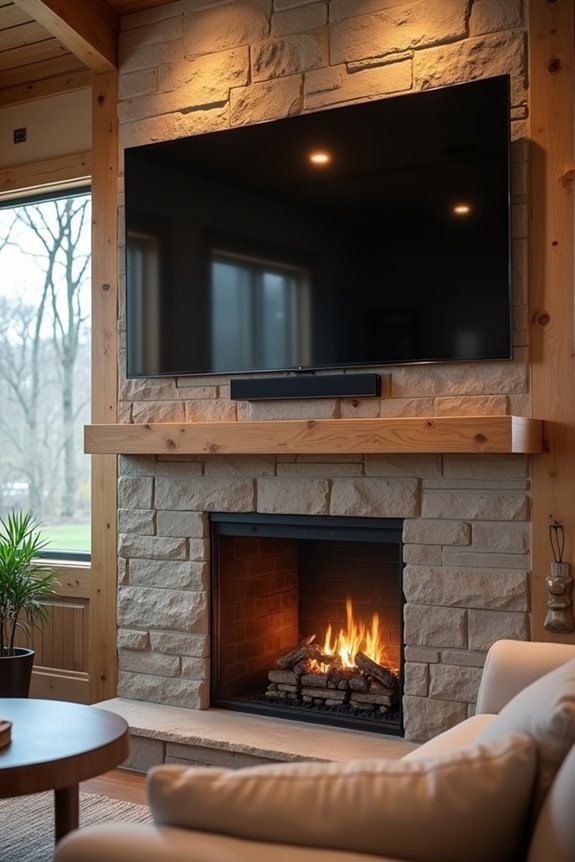
Once you’ve found the right spot above your fireplace, the type of mount you choose affects how comfortable your viewing experience is. Different mounts serve different needs, and understanding your options helps you pick what works best for your space and lifestyle.
| Mount Type | Best For | Key Benefit |
|---|---|---|
| Tilt | High placement | Reduces neck strain |
| Pull-Down | Flexible viewing | Lowers to eye level |
| Full-Motion | Multiple angles | Adjusts height and distance |
| Motorized Drop-Down | Different users | Button-press positioning |
| Heat-Aware Design | Fireplace safety | Optimal clearance |
Tilt mounts angle your screen downward when mounted high. Pull-down mounts lower your TV to eye level, then retract it away. Full-motion mounts give you maximum flexibility for adjusting height, angle, and distance across different seating positions. If you’re considering the MM815’s motorized capability, you’ll benefit from how it positions your fireplace mount for whoever’s watching.
Measure Your TV’s Center Point for Fireplace Mounting
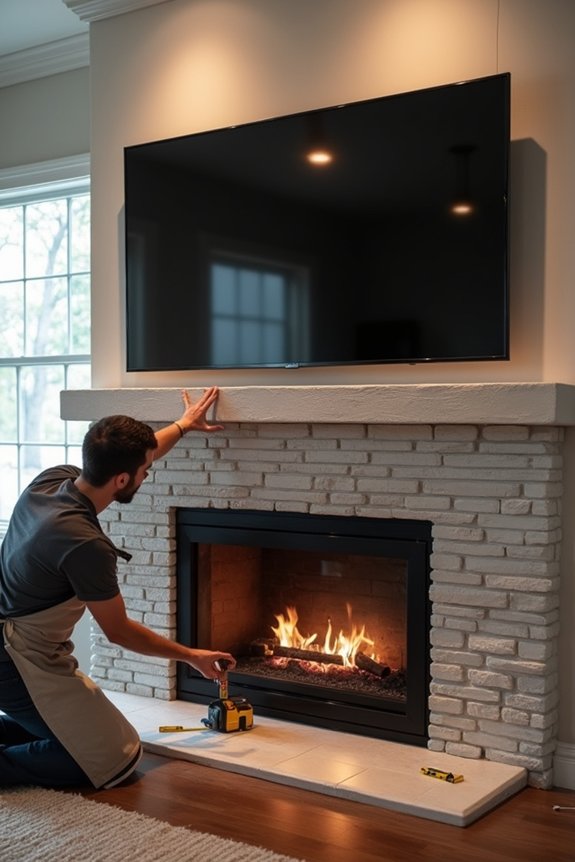
I’ve found that getting your TV’s center point right is important in fireplace mounting, so I’ll walk you through how I do it. First, I sit in my regular spot and mark the wall at my eye level, then I use a level to confirm that mark is perfectly horizontal—this keeps your TV from looking tilted after installation. Since mantel height affects where that center point lands, I measure from the floor to my planned TV center and adjust based on my seating distance, making sure the TV’s center sits below 70 inches from the floor for comfortable above-fireplace viewing.
Eye Level Alignment Technique
How do you know where to actually mount your TV so you’re not craning your neck upward the whole time you’re watching?
I’ve found the best approach uses your natural eye level as the guide. Here’s what I do:
- Stand in your favorite seating spot and have someone mark where your eyes naturally focus on the wall
- Measure from the floor to that mark, then subtract half your TV’s height to find the perfect center point
- Check that this position maintains proper mantel clearance and stays below any fireplace obstruction
This technique keeps your viewing comfortable. When I mounted my 55-inch TV using this method, I avoided the neck strain that plagued my previous setup. The eye level alignment places your screen exactly where it should be—centered on your gaze, not floating above it.
Mantel Height Adjustment Considerations
Your mantel’s height is probably the biggest factor that’ll change where you actually mount your TV, and that’s where most people run into trouble. If your mantel sits high, you’ll need to adjust your mounting position lower to keep the TV’s center at eye level while seated. I learned this the hard way when my mantel forced my TV too high, causing constant neck strain.
Here’s what works: measure from the floor to your eye level while sitting in your main viewing spot. Then measure your mantel height. If they don’t align by default, consider a tilting mount or pull-down option to bridge that gap. This simple adjustment prevents you from constantly looking up, keeping viewing comfortable and safe.
Adapting Your Plan for Brick or Stone Walls
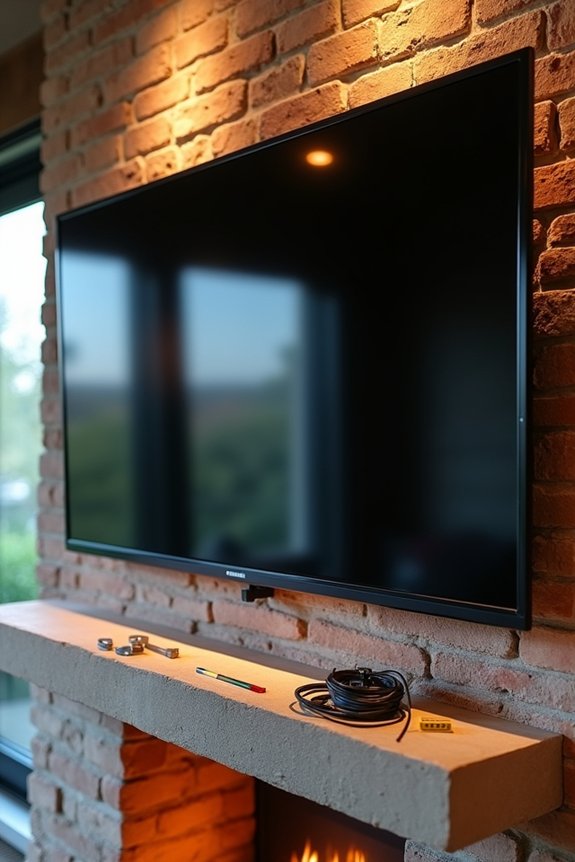
When you’re mounting a TV over a brick or stone fireplace, the process differs substantially from drywall installation, and that’s where things get interesting. Brick and masonry demand specialized tools and techniques that matter greatly.
Here’s what you’ll need:
- A hammer drill with concrete bits to penetrate the hard masonry surface effectively
- Concrete anchors, lag bolts, and concrete screws paired with washers for secure fastening
- Painter’s tape and a tape measure to mark your exact placement before drilling
I recommend using an AB40 Adapter if your brick facade feels flimsy—it improves stability. A socket adapter or rubber mallet helps you fasten hardware without damaging the wall. When access or wall composition complicates things, professional installation becomes your safest choice.
Locate Wall Studs and Plan Your Installation
Where’s the solid wood behind your wall? That’s your first question. I use a stud finder to locate the studding behind my drywall because mounting hardware must anchor into solid wood for proper support. Once I’ve found the studs, I mark them with a pencil at the height where I want my TV.
Next, I gather my essential tools: stud finder, drill, level, measuring tape, and mount. I measure twice for accuracy. Then I use my level to keep the bracket perfectly plumb and secure, preventing any skew. Before final mounting, I test the bracket and hardware to confirm they’ll hold my TV’s weight safely.
I also plan my cable routing during installation, considering power and HDMI connections to minimize visible or hazardous cables.
Secure Your Mount Bracket Above the Fireplace
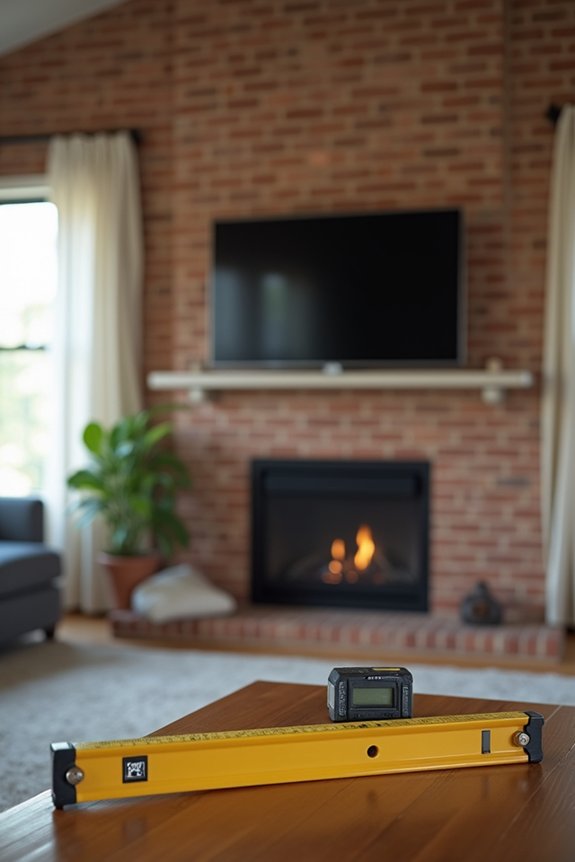
Now that I’ve located my studs and gathered my tools, it’s time to actually secure the bracket—and this is where precision really matters. I’ve learned that rushing this step leads to regret later.
- Anchor to studs properly: I use lag bolts directly into the studs I found, confirming my TV mounting can handle the weight safely.
- Check fireplace clearance requirements: I verify the bracket placement meets manufacturer guidelines, keeping at least 12 inches of space between the bracket and heat sources to prevent damage.
- Use a level for alignment: I position my level on the bracket to confirm it’s perfectly horizontal before tightening everything down completely.
Once secured, I step back and verify nothing tilts or shifts. Proper installation protects both my TV and my home.
Use Your Mantel to Block Heat
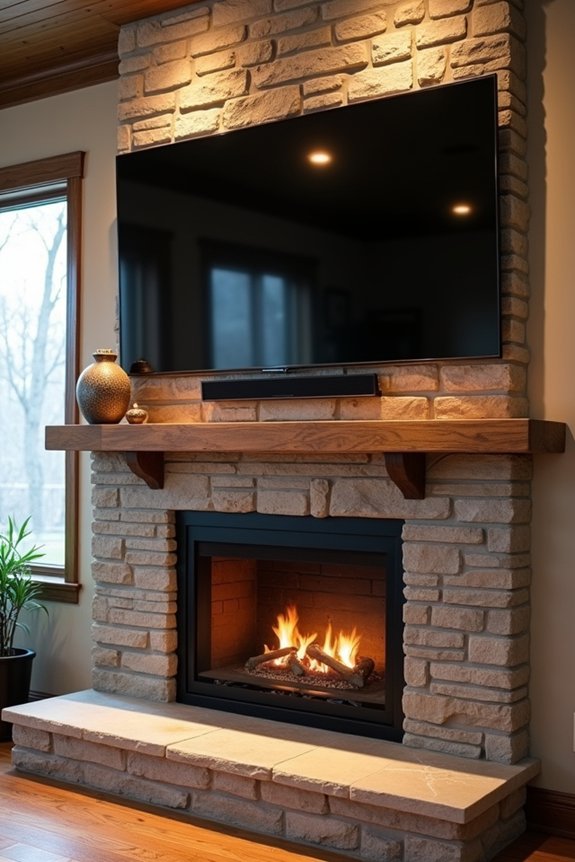
I’ve found that your mantel is actually one of your best defenses against heat damage when you’re hanging a TV above a fireplace, and I want to show you how to use it effectively. A mantel works as a heat shield by redirecting warm air away from your TV, so you’ll want to install one that’s at least 6 to 8 inches deep to create a solid buffer zone between the flames below and your screen above. Following your fireplace and TV manufacturer’s guidelines for clearances, combined with proper mantel placement, gives you the heat management strategy you need before you even mount your bracket.
Heat Redirection Strategies
Did you realize your mantel can actually work as a shield for your TV? I’ve found that proper heat redirection makes a real difference in protecting your setup. Here’s what I recommend:
- Install a mantel with 6–12 inches of depth to block rising heat effectively
- Add a gas insert with a blower to push heat outward, away from your TV
- Use heat shields on compatible MantelMount models to monitor temperature warnings at 110°F
When I mounted my TV, I chose a deeper mantel and positioned a blower insert to redirect flames’ heat away. This combination reduced the temperature above the mantel. Many people manage heat successfully by combining these strategies thoughtfully.
Mantel Installation Guidelines
Getting your mantel installed correctly is where heat protection actually starts working. I’ve learned that a proper mantel installation serves as your TV’s primary heat shield, redirecting dangerous warmth away from your mount and equipment. You’ll want to aim for a mantel depth between 6 and 12 inches—this range effectively blocks heat exposure. The deeper your mantel, the better protection you get. I recommend measuring your fireplace opening first, then selecting mantel materials that withstand heat without warping. Whether you’re working with gas, wood-burning, or electric fireplaces, this heat shield approach remains necessary. Take time getting the installation right, and you’ll create a safer setup that protects your investment for years to come.
Mounting the TV and Testing Stability
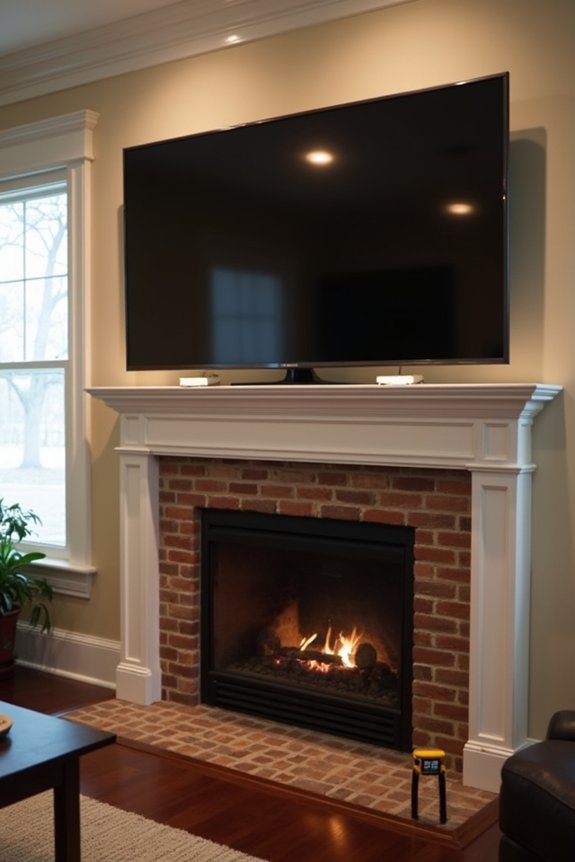
Once you’ve found the perfect spot above your fireplace, it’s time to secure your TV to the wall—and this step matters because you’re installing something heavy above a heat source.
- Use a stud finder to locate solid backing, then confirm your mount’s weight rating matches your TV before tightening all fasteners securely.
- Check for level alignment with a bubble level during installation so your TV sits perfectly straight and doesn’t look crooked from your couch.
- Test stability by applying gentle tugging to the TV bracket after mounting to confirm everything’s anchored safely.
Rushing these steps invites problems. Take your time mounting your TV, and you’ll enjoy years of worry-free viewing with your family gathered around the fireplace.
Running Cables and Power Safely
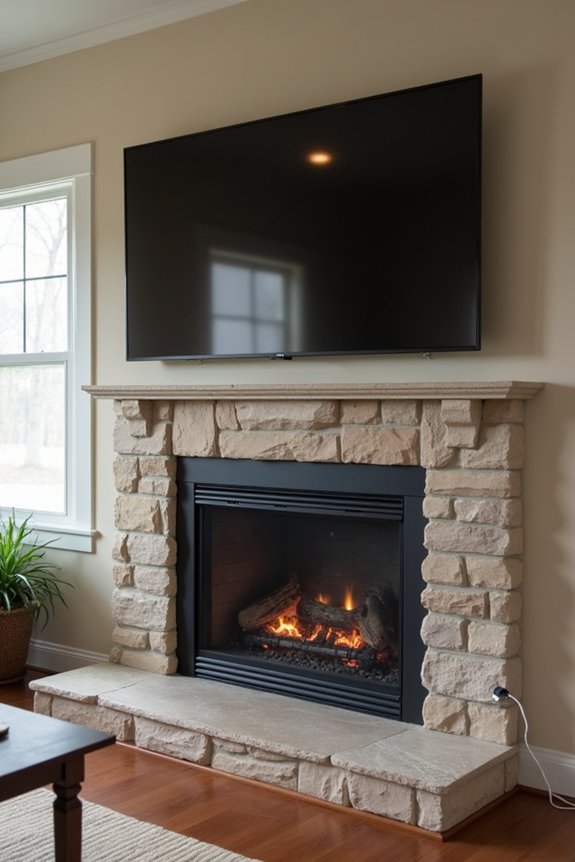
Before you mount your TV, plan exactly where your cables will go—this prevents you from installing your TV only to realize you’ve got cords dangling everywhere or worse, running dangerously close to the heat your fireplace produces.
Locate studs first and decide between in-wall routing, cable channels, or sleeves for your power and HDMI runs. A Power Bridge kit lets you safely install outlets behind the TV without exposed cords. Route all cables away from heat sources, keeping them at least six inches from fireplace openings.
During installation, secure every cord and verify nothing pinches or strains. Test cable management before final mounting to catch potential issues—such as an HDMI cable positioned too close to your mantel’s heat. This planning prevents problems.
Fireplace Heat Alerts: When Your Mount Warns You
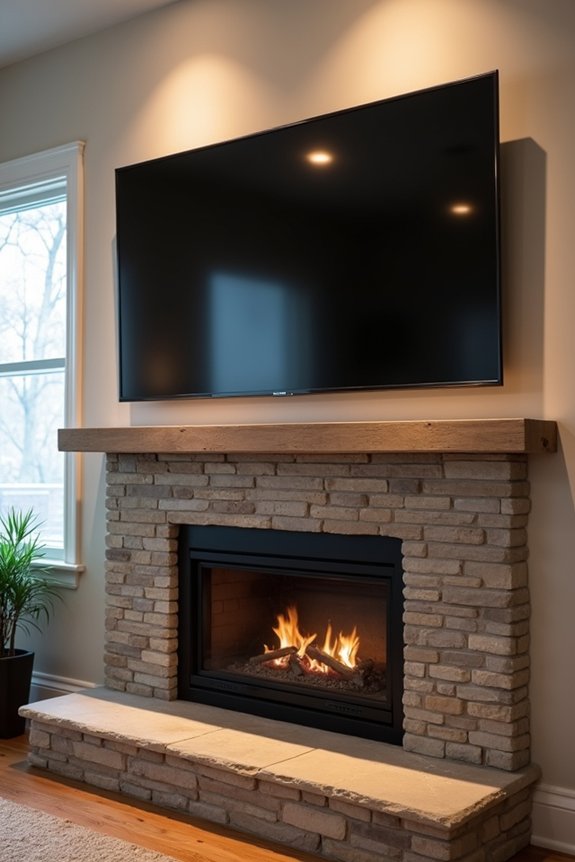
Your cables are now safely routed and secured, but there’s one more layer of protection you need to understand: your TV mount itself has built-in safeguards against heat damage. These heat alerts deserve your attention because they’re designed to protect your investment.
Your TV mount’s built-in heat safeguards deserve your attention—they’re designed to protect your investment from damage.
Here’s what you need to know about fireplace heat alerts:
- Heat-sensing handles turn red when ambient temperature hits 110°F (43°C), signaling dangerous conditions
- You’ll receive alerts instructing you to turn off the fireplace or raise your TV to its stowed position immediately
- Heat damages cords and wiring, so responding promptly prevents costly repairs
When your mount warns you, pay attention to it. Delayed responses can cause cords to melt. These alerts work with gas, wood-burning, and high-heat fireplaces, protecting what matters to you.
Fixes for Wobbly Mounts and Heat Issues
If your TV’s swaying even slightly when you walk across the room, the problem usually starts at the wall studs behind your mount. I’ve found that locating studs with a stud finder and anchoring directly into them helps significantly. You’ll want to use lag bolts and washers rated for your TV’s weight.
| Issue | Solution |
|---|---|
| Wobble | Anchor into wall studs |
| Heat exposure | Maintain 12-inch clearance |
| Loose screws | Recheck monthly |
| Sway | Use full-motion mounts |
For heat-related wobble, verify your mount’s rated for heat exposure. I always check clearance distances match manufacturer specs before firing up my fireplace. After seasonal use, I recheck all screws and confirm my level’s still accurate. These steps keep everything solid.
Can You Handle This Yourself? When to Hire Help
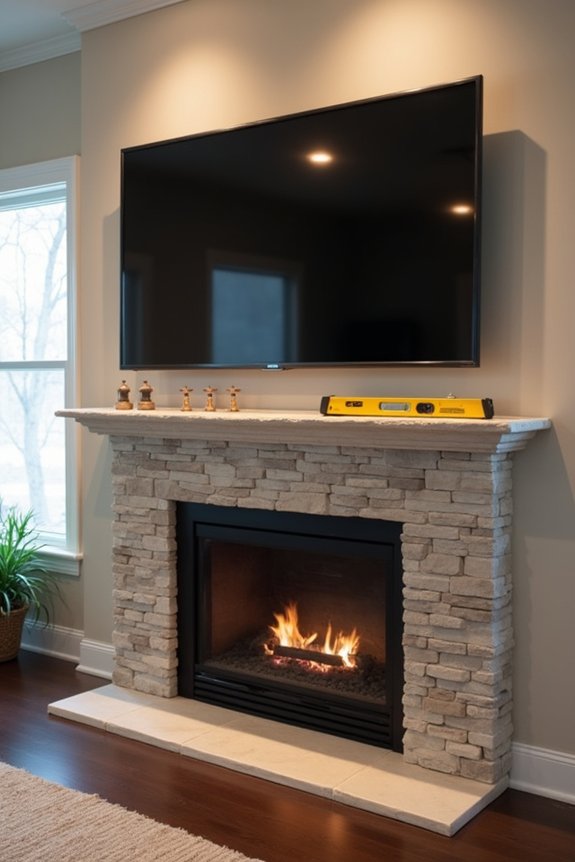
When should you tackle a TV-over-fireplace installation yourself versus calling in a professional? I’ve learned that knowing your limits matters here. Consider these situations where you’d benefit from hiring help:
- You’re uncertain about wall studs or weight limits—a professional uses proper equipment and knows exactly where to mount a TV safely on your specific wall type.
- You need in-wall cable routing or electrical work done—professionals handle wiring safely and efficiently, which protects your home and TV.
- Heat clearance concerns you—experts assess temperature zones and recommend proper mantel placement that keeps your TV protected.
I’d suggest getting a written quote first. Many companies offer promotions that make professional installation more affordable than you’d expect. Sometimes paying for peace of mind is worth it.