
Most office chairs last five to ten years, though budget models give out in three to five years while premium ones reach fifteen with proper care.
Your chair’s lifespan depends on three factors: materials, usage, and maintenance.
Leather withstands daily wear better than mesh.
Eight-plus hours of use accelerates wear, as do sunlight and humidity.
Spend fifteen minutes monthly tightening screws, lubricating parts, and cleaning—it extends life.
Understanding wear signals and planning your next purchase wisely matters for your investment.
The Average Lifespan of Office Chairs
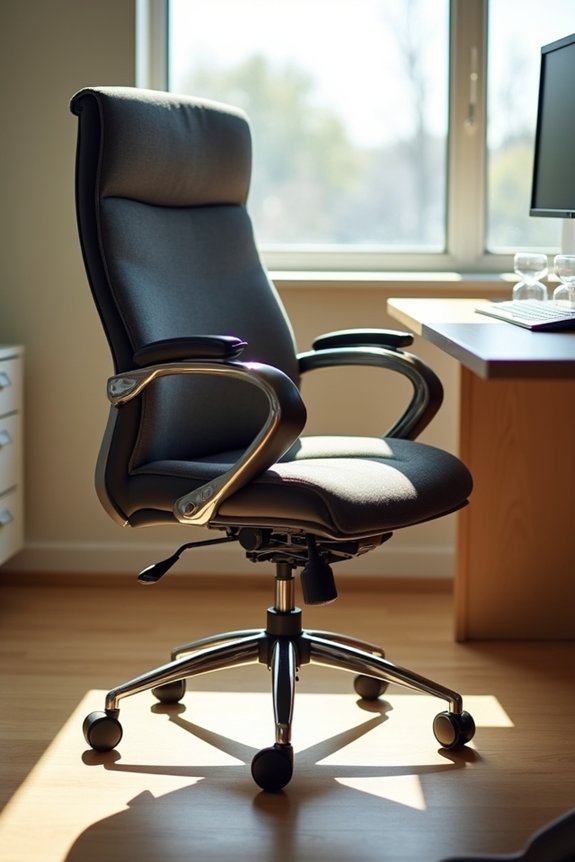
Ever wonder how long you’ll actually get out of that office chair you’re sitting in right now? I’ve found that most office chairs have an average lifespan of about seven years, though the range typically falls between five and ten years depending on the chair’s quality and materials.
Here’s what I’ve learned: budget chairs last roughly three to five years, while high-quality models can reach ten to fifteen years with proper care. Leather executive chairs tend to be the most durable, lasting around ten years. However, mesh and fabric chairs deteriorate faster due to wear and tear on seat padding and material.
The key to extending your chair’s lifespan is regular maintenance—tightening screws, cleaning, and lubricating parts. These simple steps help push durability toward that upper range, allowing your furniture investment to last longer.
How Materials, Usage, and Environment Affect Chair Life
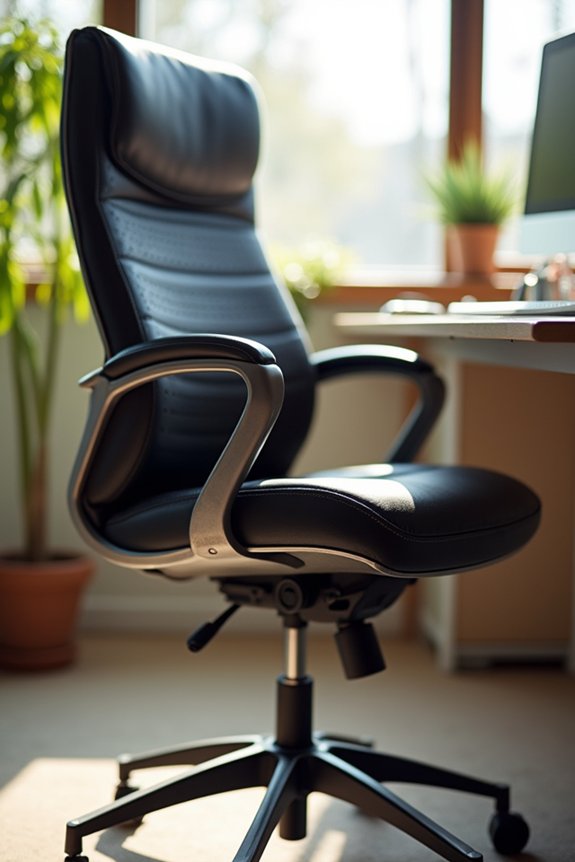
I’ve noticed that the materials you choose for your office chair—like whether it’s leather, mesh, or fabric—directly affect how long it will last, and I want to help you understand why. Your daily habits matter just as much; if you’re rolling your chair across carpet constantly or sitting in it eight hours a day, you’ll see wear faster than someone who uses it more casually. Where you place your chair also counts, since sunlight streaming through windows, humidity from a basement office, or extreme temperature swings can degrade even the toughest materials much quicker than you’d expect.
Material Quality and Durability
When you’re shopping for an office chair, the materials it’s made from matter just as much as the price tag—and that’s because what your chair’s built with directly determines how long you’ll actually sit in it before it falls apart.
I’ve learned that sturdy metal frames paired with high-density foam and quality upholstery create chairs lasting 10–15 years. Leather chairs withstand daily wear better than mesh or fabric, which snag and tear more easily. Budget options typically fail within 3–5 years, while premium chairs easily reach a decade-plus lifespan.
Your chair’s longevity also depends on maintenance habits. Regular cleaning, lubricating moving parts, and keeping your chair away from direct sunlight and temperature swings protect material quality significantly. These simple steps extend your office chair lifespan considerably.
Usage Intensity and Environment
How you use your office chair and where you keep it affects how long it lasts. If you’re working 8+ hours daily, your chair faces intense wear that shortens its lifespan considerably. Sunlight, humidity, and temperature swings degrade fabrics and foam faster than stable indoor conditions. Chairs deteriorate quickly when placed near windows or in uncontrolled environments.
Your weight capacity matters too. Exceeding limits stresses mechanisms and joints, accelerating deterioration. Regular maintenance—cleaning upholstery, lubricating moving parts, tightening screws—keeps everything functioning smoothly and extends life.
Watch for early signs of wear: fabric fraying, wobbly bases, or stiff mechanisms. Proper usage habits, like avoiding rough handling and respecting weight limits, reduce structural stress. These practices work together, protecting your chair’s longevity through daily demands.
Visible Wear and Tear: Your First Warning Sign
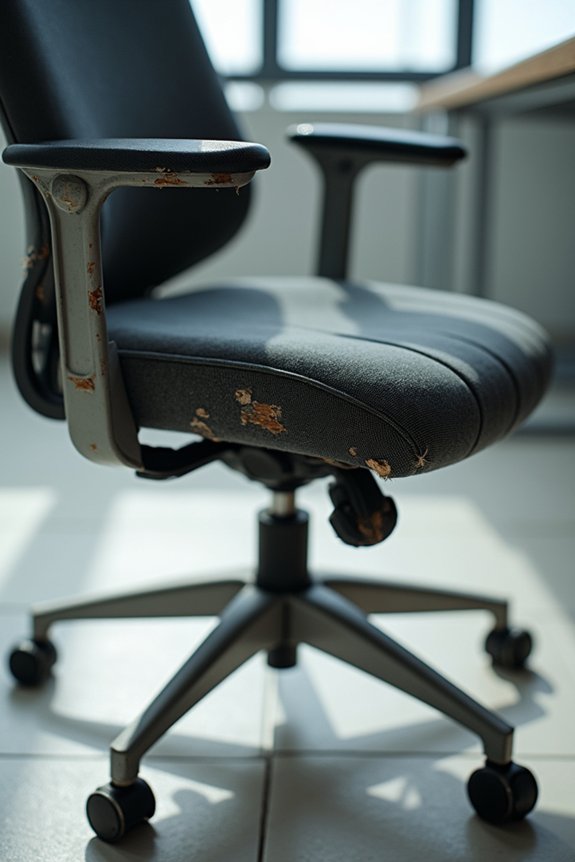
When I noticed my chair’s seat cushion had flattened to barely an inch thick after three years, I realized I’d been ignoring the clearest sign that my office chair was wearing out. You’ll want to watch for three main problems: cushions that sag and lose their support, upholstery that frays or tears along the seams, and frames that wobble or creak when you shift your weight. Catching these issues early gives you the chance to repair or replace your chair before discomfort and instability force the decision for you.
Cushion Sagging and Flattening
Ever noticed your office chair sitting lower than it used to, or felt the seat bottom out beneath you after a long workday? That’s cushion sagging, and it’s one of the earliest signs your chair needs attention.
Foam density loss and padding breakdown happen gradually with daily use. I’ve experienced this myself—after three years of eight-hour days, my seat cushioning had compressed noticeably. Here’s what I watch for:
- Visible indentation that doesn’t bounce back
- Reduced seat height affecting leg positioning
- Uneven wear across the cushion surface
- Decreased support during prolonged sitting
- Lower back discomfort from poor alignment
You can extend cushion life through regular maintenance. I rotate my cushion weekly, use a seat cover for protection, and clean materials monthly. These simple steps slow foam compression and help prevent back pain before it starts.
Torn Upholstery and Fraying
While cushion compression happens invisibly at first, torn upholstery and fraying fabric show up right where you can see them—and that’s actually a gift, because it gives you a clear signal your chair’s wearing out.
I’ve noticed that fabric tears and padding exposure typically appear after several years of daily use. When you spot fraying at seams or visible wear on armrests, that’s your office chair life telling you something important. These aren’t just cosmetic issues; they’re replacement indicators that signal reduced durability.
Addressing fabric tears early prevents further component failure. If you’re seeing worn upholstery in high-traffic areas, evaluate whether reupholstery makes sense or if replacement is time. Leather chairs crack similarly, though oils slow—but don’t stop—deterioration. Either way, visible wear demands your attention to maintain both hygiene and structural integrity.
Frame Instability and Wobbling
Does your chair rock side-to-side when you shift your weight, or does it feel like it’s leaning in one direction? That’s frame instability, and it’s your first warning sign of serious trouble ahead.
When you notice wobbling, your chair’s base components and welds are likely deteriorating. Check these areas immediately:
- Loose bolts connecting the base to the seat
- Bent or cracked welds on the chair frame
- Failing gas lift that causes visible sagging
- Wobbly casters that don’t roll smoothly
- Recurrent looseness in the tilt mechanism
Structural wear progresses quickly, and addressing looseness promptly prevents sudden collapse. Tighten connections regularly, replace worn components, or consider a new chair. Ignoring wobbling compromises your safety and comfort at work.
Mechanical Failures That Signal Replacement Time
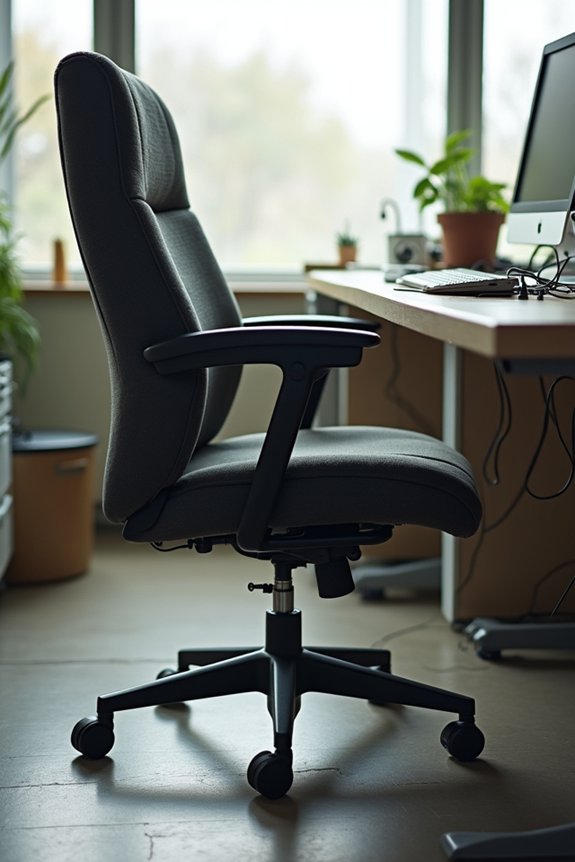
When your office chair starts acting up mechanically, that’s usually when you’ll know it’s time to think seriously about replacing it. A failing gas lift that won’t hold your height is one of the clearest signs. Your tilt mechanism might stick or feel unpredictable, making adjustments frustrating. Worn casters create wobbling that affects stability. Loose adjustable arms, height adjustment controls, or backrest mechanism parts signal degraded component integrity. When multiple failures occur at once—your gas lift sinking, tilt mechanism sticking, and casters breaking—replacement makes more sense than constant repairs. If you’re facing three or more mechanical failure issues simultaneously, that’s your replacement signal. It’s simply more cost-effective than repeated fixes.
When Comfort and Support Start to Decline
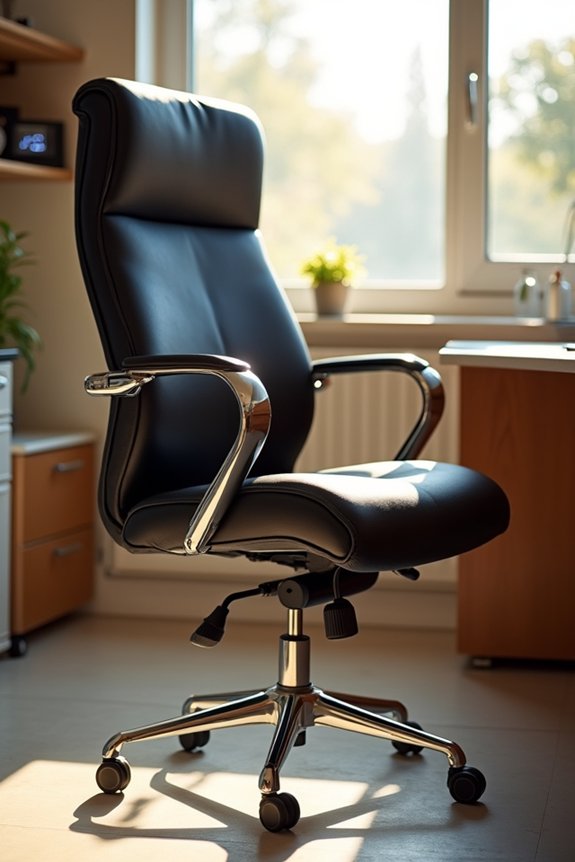
When your chair stops cradling your back like it used to, that’s your body telling you something’s changed—and I’ve noticed this shift happens quietly, often around the 5 to 7-year mark with daily use. You might find yourself rubbing your neck after work, or realizing you’re shifting positions every few minutes because the cushioning’s gone soft and the lumbar support doesn’t grip quite right anymore. These aren’t just comfort complaints; they’re real warning signs that your chair’s ergonomic structure is breaking down and your body’s paying the price.
Ergonomic Support Degradation
Why does your office chair that once felt perfectly comfortable now leave you with a sore lower back by mid-afternoon? Ergonomic support degradation happens gradually, and you’re not alone in experiencing it.
Your chair’s lumbar support weakens after 5–7 years of regular use, especially near its weight limit. I’ve noticed several warning signs in my own chair:
- Persistent lower back aches that didn’t exist before
- Sagging seat cushion that no longer supports your thighs properly
- Neck and shoulder discomfort from reduced upper-body support
- Adjustment mechanisms that stick or won’t hold position
- Loose screws and worn parts affecting stability
Regular maintenance—tightening screws and lubrication of moving parts—slows decline. However, even well-maintained adjustable features eventually lose responsiveness. When your chair stops supporting you properly, replacement becomes necessary for your health.
Pain and Postural Changes
How do you know your chair’s decline is affecting your body, not just your comfort? I’ve noticed persistent lower back pain during my workday, which signals that my chair’s lumbar support has deteriorated. When padding compresses and seat depth changes, your spine bears extra strain. You might find yourself shifting positions frequently, searching for relief—a clear sign your ergonomic chair isn’t delivering anymore.
I experienced shoulder discomfort that disappeared after replacing my worn office chair. Postural changes happen gradually; you’ll sit differently to compensate for missing support. These adjustments create muscle fatigue and pain.
Your chair lifespan matters because degraded padding and reduced adjustability force poor postures. If you’re experiencing consistent discomfort despite position changes, your chair’s supportive capacity has declined significantly. That’s when replacement becomes necessary.
Repair vs. Replace: How to Make the Right Call
At some point, you’ll face a decision: should I fix this chair or buy a new one?
I’ve learned this choice depends on your chair’s age and condition. Consider these factors:
- Single worn parts like a gas lift or caster are usually worth fixing
- Multiple damaged components suggest replacement makes more sense
- Chair age over 7–8 years often tips toward buying new
- Ergonomic improvements in newer designs might benefit your health
- High-end chairs with minor damage deserve repair attempts
When your chair’s durability declines and support suffers, replacement wins. But if you’re just replacing one chair part, maintenance might extend its lifespan at a lower cost. I balance both approaches: repair what I can, then replace when performance drops. This mixed strategy keeps costs down while protecting my back and posture for years ahead.
Cleaning, Tightening, and Lubricating: Maintenance That Works
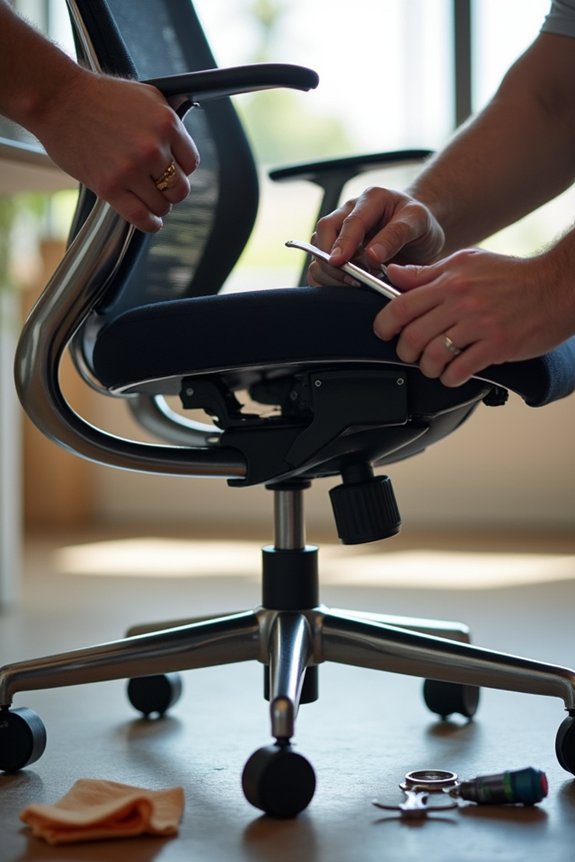
Once you’ve decided to keep your chair rather than replace it, the real work begins—and I’m talking about simple maintenance that actually works. I’ve found that regular cleaning removes dust and grime that wear fabrics and mechanisms. Tightening screws and bolts monthly prevents wobbling and frame failure. Lubricating your gas lift and caster stems reduces friction, so adjustments stay smooth. I use a silicone-based lubricant on moving parts quarterly. Adding a chair mat protects your flooring while lowering caster wear notably. Here’s what matters most: follow your manufacturer care instructions carefully. They’ll tell you which cleaning agents won’t damage your specific chair. This office chair maintenance routine—cleaning, tightening, lubricating—extends your chair lifespan by years.
Weight Limits, Adjustments, and Daily Habits: Using Your Chair Correctly
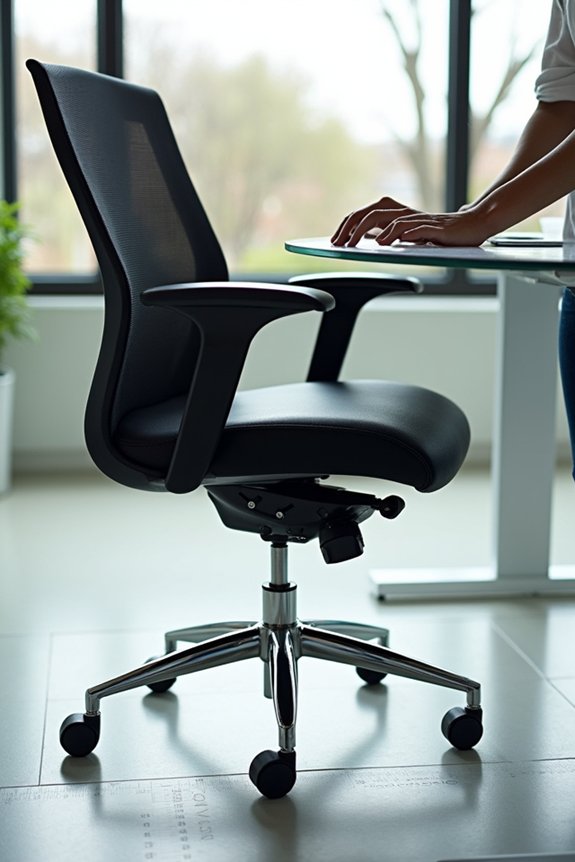
Your chair’s weight capacity isn’t just a number—it’s the foundation of everything else you’ll do to extend its life. I’ve learned that respecting this limit protects your gas lift, frame, and casters from accelerated wear. Beyond weight, you’ll want to establish habits that matter:
- Adjust your seat height so your feet rest flat on the floor
- Position lumbar support to match your lower back’s natural curve
- Tighten bolts monthly during regular maintenance checks
- Apply lubricant to moving parts every few months
- Place a chair mat underneath to reduce caster friction
Daily use with these adjustments distributes weight evenly, reducing localized padding wear. Avoiding rough handling—like excessive leaning or swinging—prevents stress that shortens your chair’s life significantly. When you follow manufacturer guidelines and maintain consistent habits, you’re investing in years of reliable support.
How Sun, Humidity, and Heat Break Down Your Chair
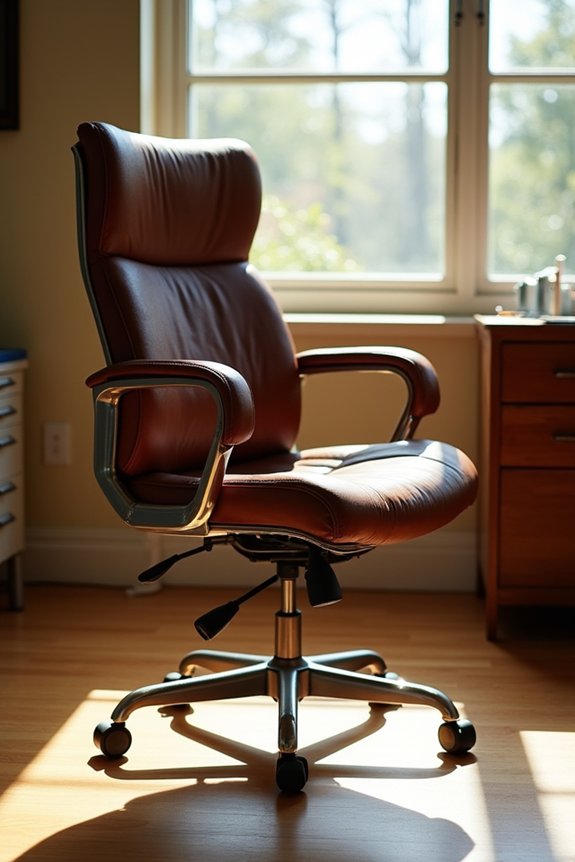
Environmental factors—sunlight, humidity, and heat—can damage your office chair just as much as daily wear, and I’ve watched this happen to chairs that were otherwise well-maintained. Direct sunlight causes fading and accelerates deterioration of your upholstery and mesh. High humidity promotes mold growth on cushions while degrading foam faster than you’d expect. Heat exposure dries out and cracks leather, and it shrinks mesh components permanently. Temperature swings between hot and cold zones stress your seams and joints as materials expand and contract repeatedly. I’ve seen chairs lose their appearance and function within years when placed near windows or in warm rooms. Protect your chair by positioning it away from direct sunlight, maintaining humidity below 50%, and keeping it in consistently cool areas.
Budget vs. Premium Chairs: Which Lasts Longer?
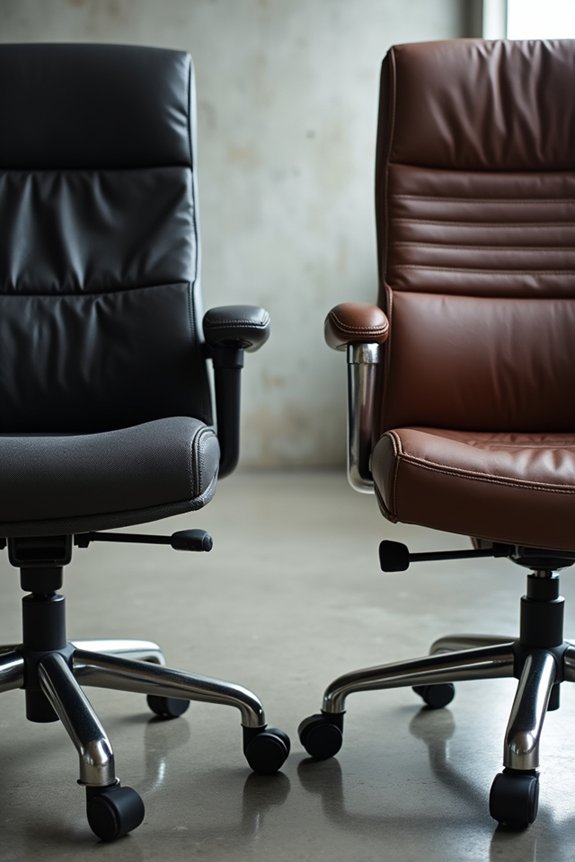
How much should you actually spend on an office chair if you want it to stick around?
I’ve learned that budget chairs last 2–5 years, while premium options endure 10–15 years with proper care. The difference comes down to what’s inside:
- Sturdier frames that resist warping
- High-quality upholstery resisting wear
- Durable mechanisms keeping adjustments smooth
- Premium mesh or leather lasting longer
- Better support even after years pass
Premium chairs cost more upfront, but you’ll replace them far less often. I noticed my budget chair’s fabric thinning after three years, while my friend’s premium mesh still felt supportive at year eight. Regular maintenance helps both types, yet premium durability truly shines over time. When you calculate replacement frequency, premium chairs become more cost-effective long-term investments for your workspace comfort.
What to Look for in Your Next Office Chair
When shopping for a new office chair, focus on features that’ll serve you well for years, not just feel comfortable on day one. Look for adjustable features like seat height and lumbar support because your body’s different from others, and proper ergonomic alignment matters. Check the weight capacity first—it matches your needs and prevents structural stress that shortens an office chair’s lifespan. Materials like mesh keep you comfortable during long workdays. Inspect the gas lift and tilt controls closely since reliable mechanisms define durability. A strong warranty backs up the manufacturer’s confidence. When you invest in quality, you’re choosing a chair that’ll support you through years of maintenance and everyday use.
Building a Long-Term Chair Strategy
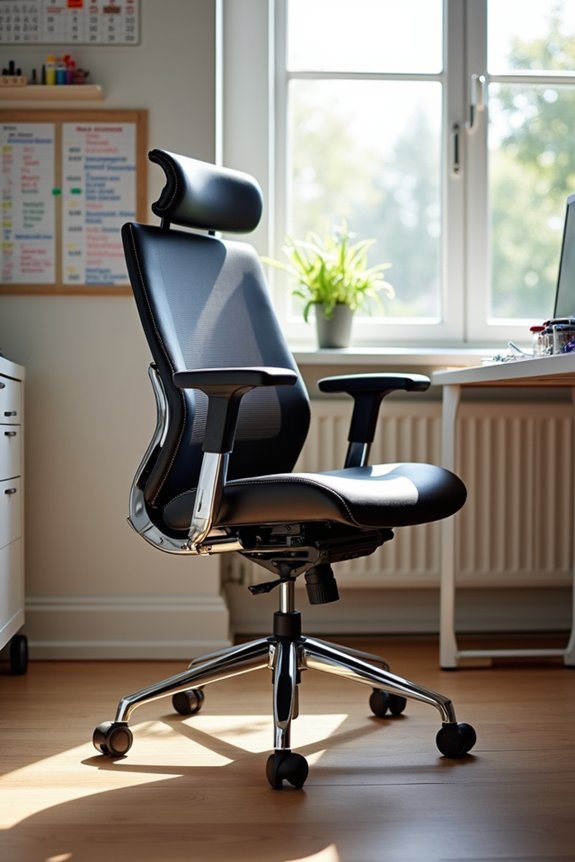
What’s the smart way to choose an office chair you’ll actually keep for years? Building a long-term chair strategy means thinking ahead about your actual needs and environment.
Here’s what I prioritize for durability:
- Steel or aluminum frames that resist bending under daily stress
- High-density foam that won’t flatten after a year of sitting
- Robust gas lifts designed for 8+ hours of daily use
- Materials matched to your climate’s humidity and temperature
- Weight capacity that fits your body comfortably
I schedule quarterly maintenance—tightening screws, lubricating moving parts—which extends my ergonomic chairs’ lifespan. Most quality models last 5–10 years, but premium ones reach 15 years with care. Your usage patterns and environmental controls matter too. Consider sunlight exposure and humidity where your chair sits. When I aligned my replacement timeline with these factors, I stopped replacing chairs every two years and actually saved money.